MockBank UI
A “banking” frontend built with React + TypeScript, Tailwind CSS and TanStack Query as an interface for my MockBank API. The project is intended for dev/test purposes — a tool for working with the API (accounts, transactions, transfers, webhooks, statistics) and is not yet meant for production use.
- React
- TypeScript
- Tailwind CSS
- Vite
- Axios
- Integration with MockBank API
What the UI Can Do
MockBank UI is an interactive banking interface designed for testing and working with MockBank API. It allows managing accounts, performing financial operations, and analyzing data in real time in a manner similar to real banking applications.
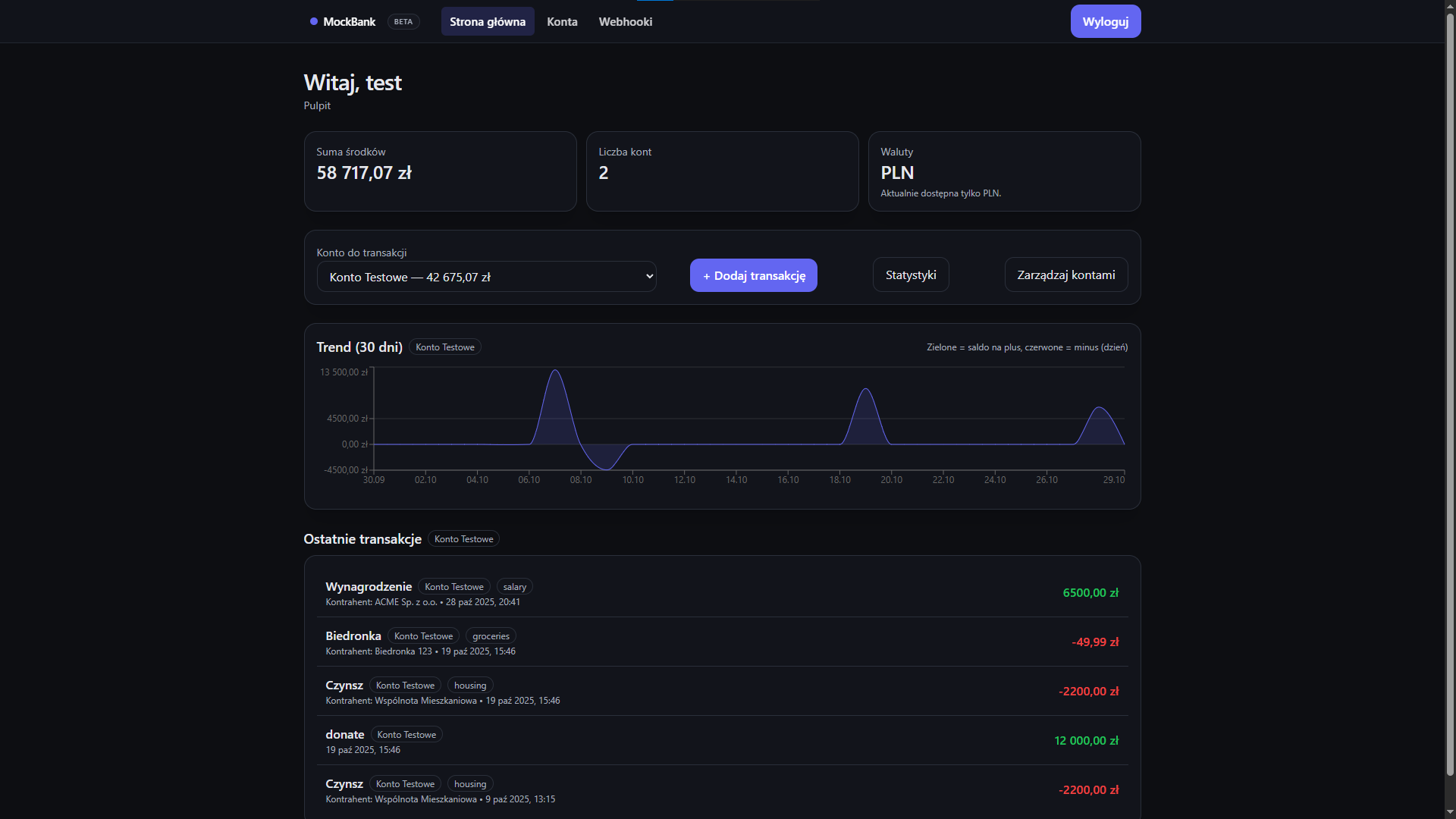
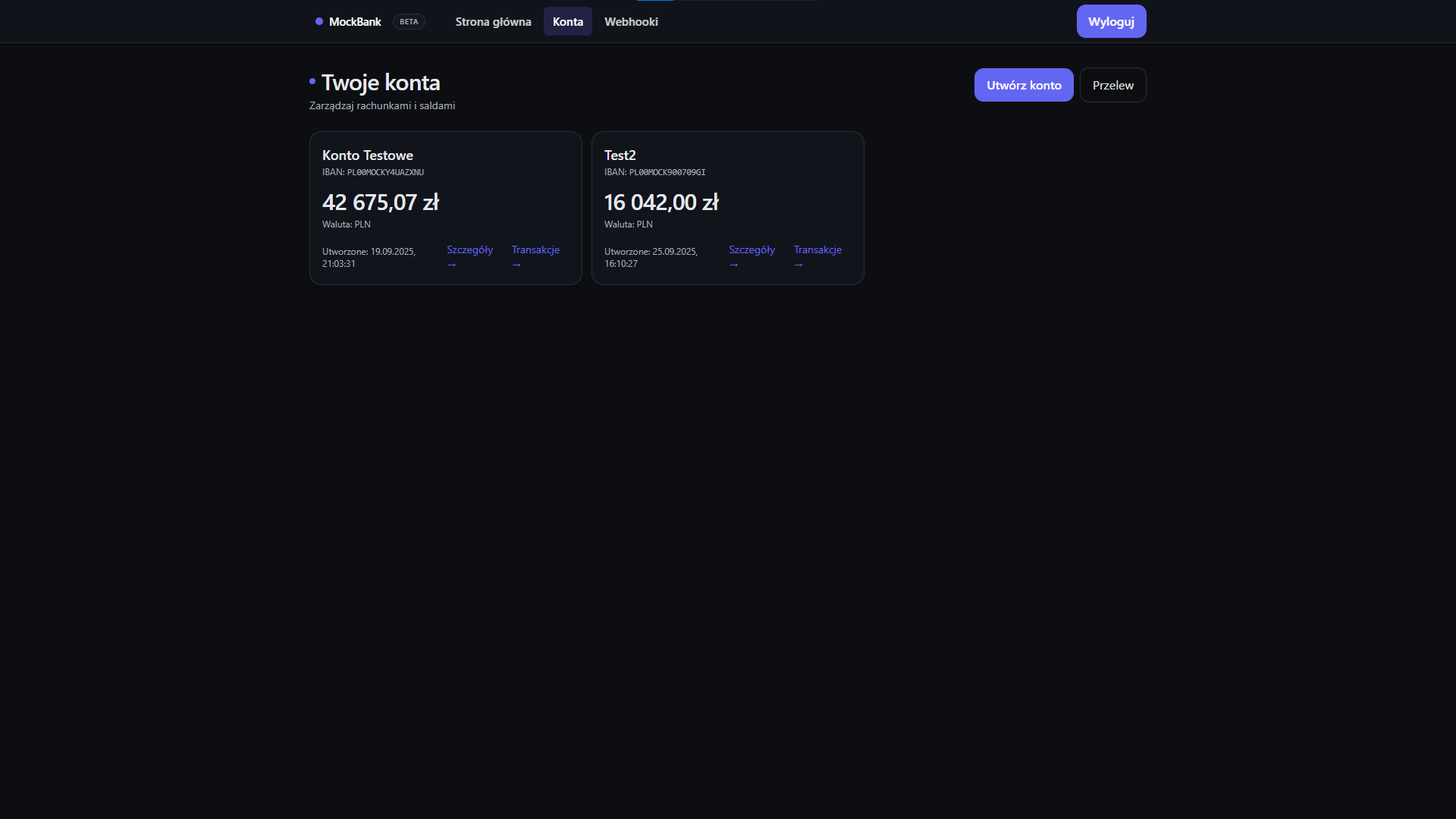
- Account list with detailed view (balance, IBAN, user actions).
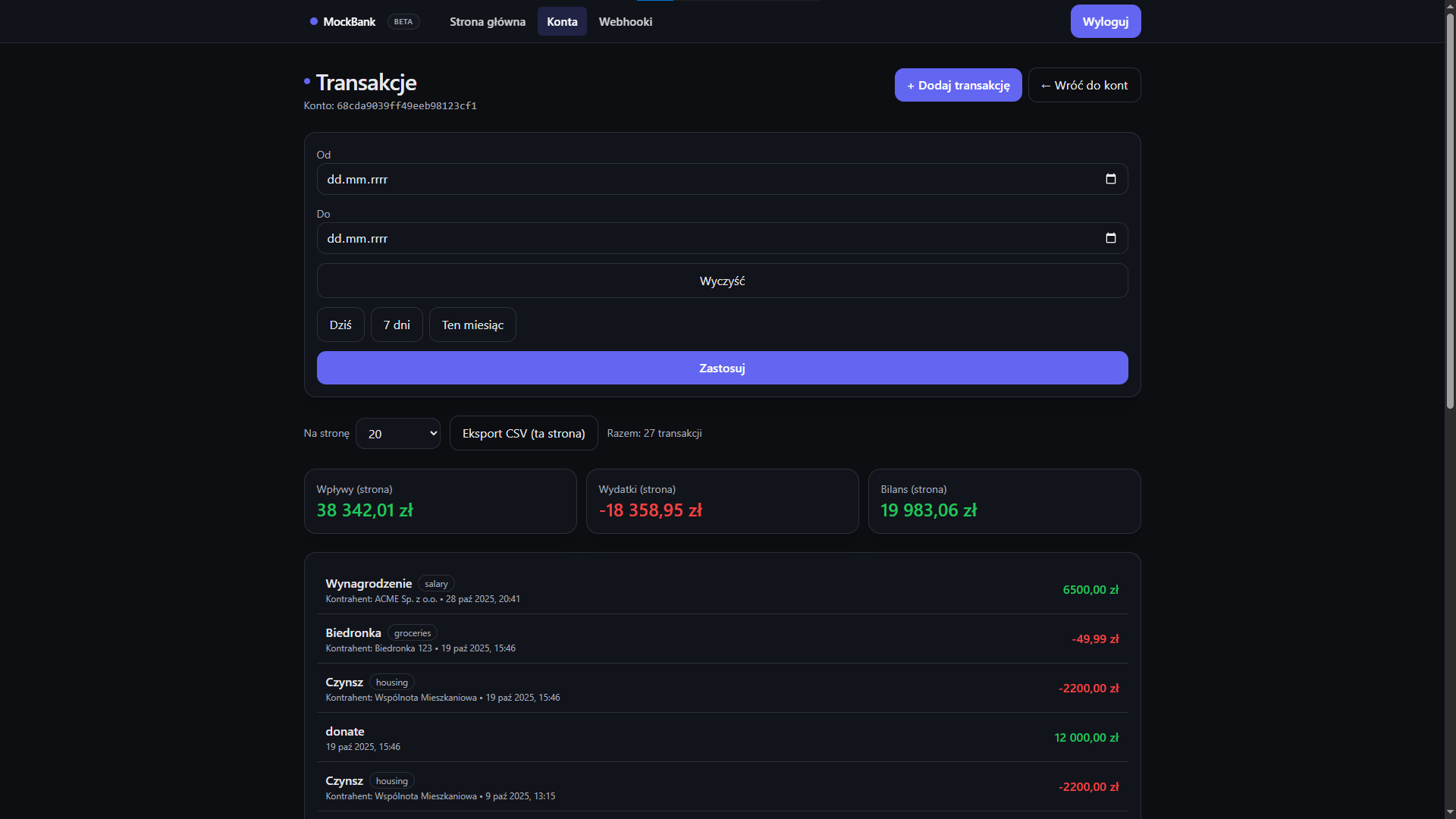
- Transaction history with filters, pagination, and quick transaction creation.
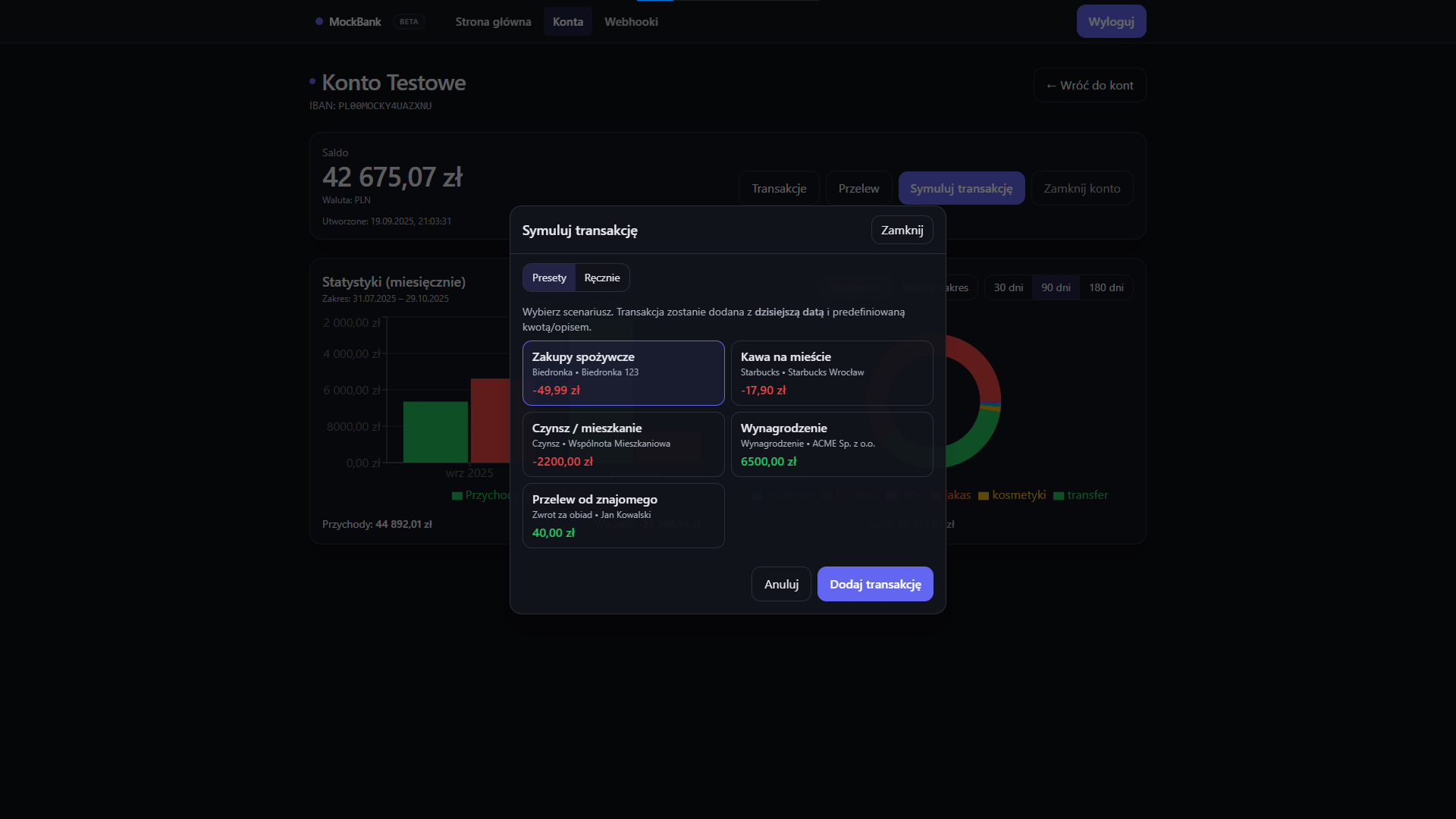
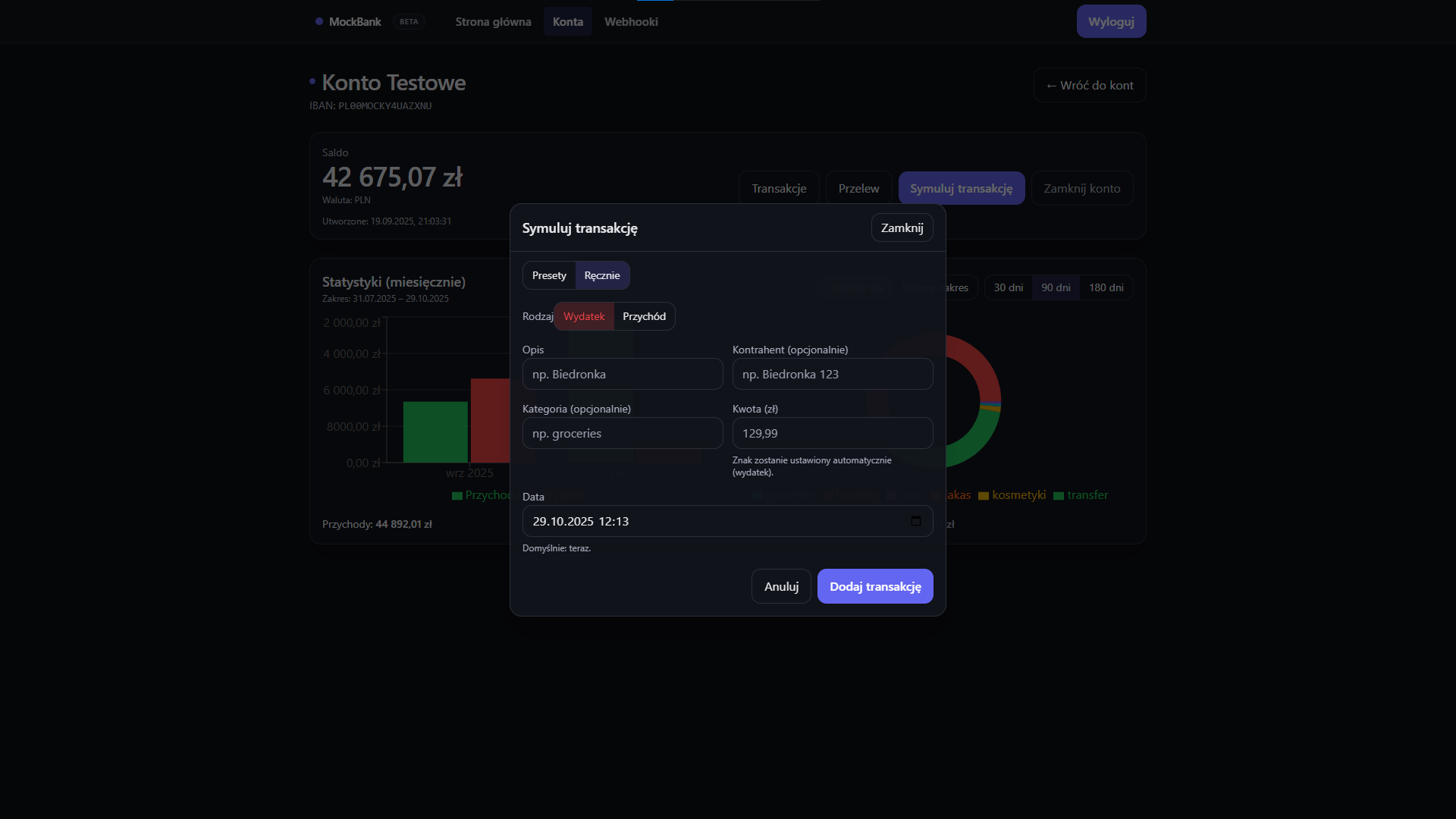
- Simulations of operations — presets or manual mode for API testing.
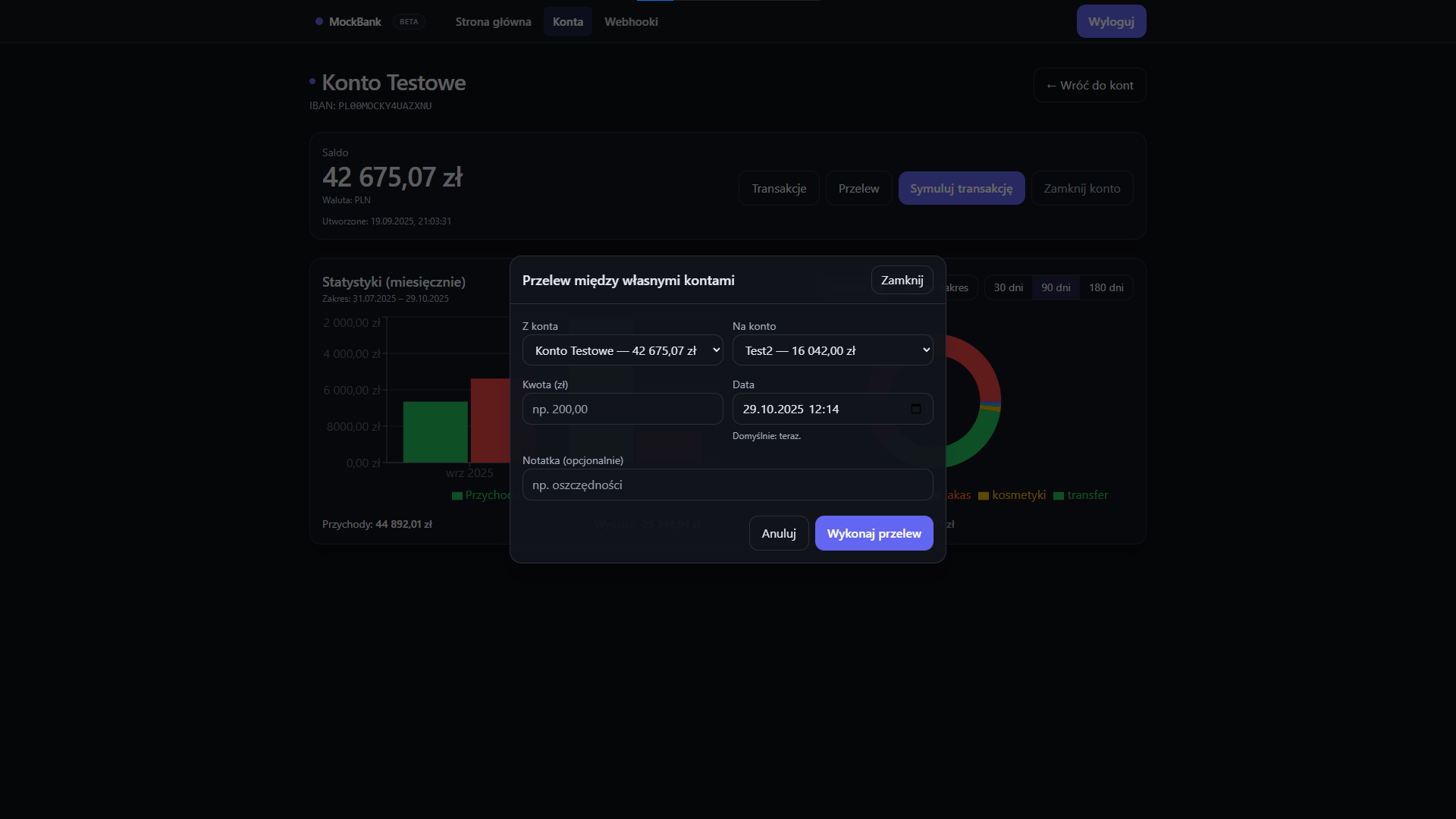
- Internal transfers between own accounts (validation, automatic balance refresh).
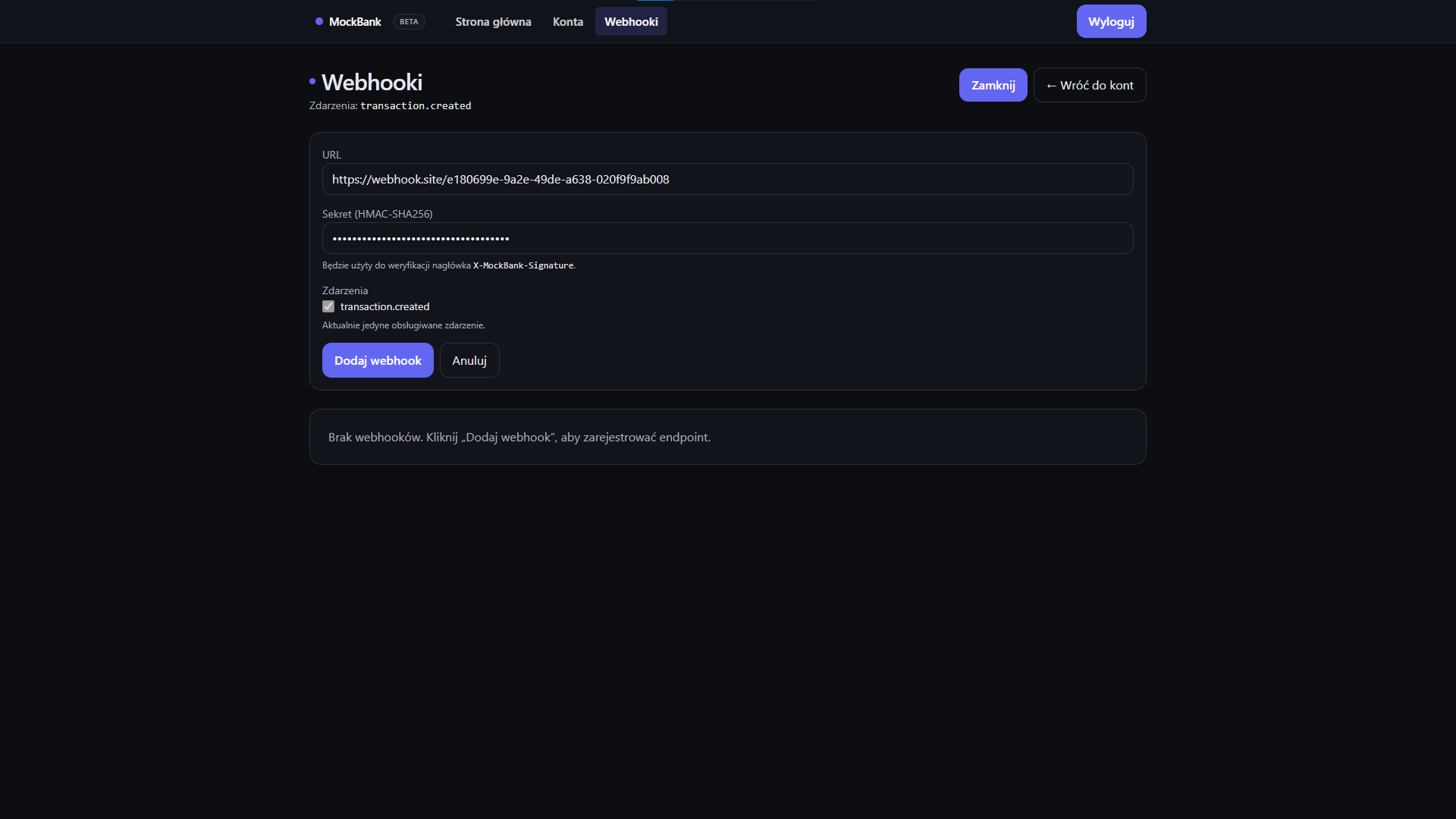
- Webhook panel — registration, testing and HMAC signature verification.
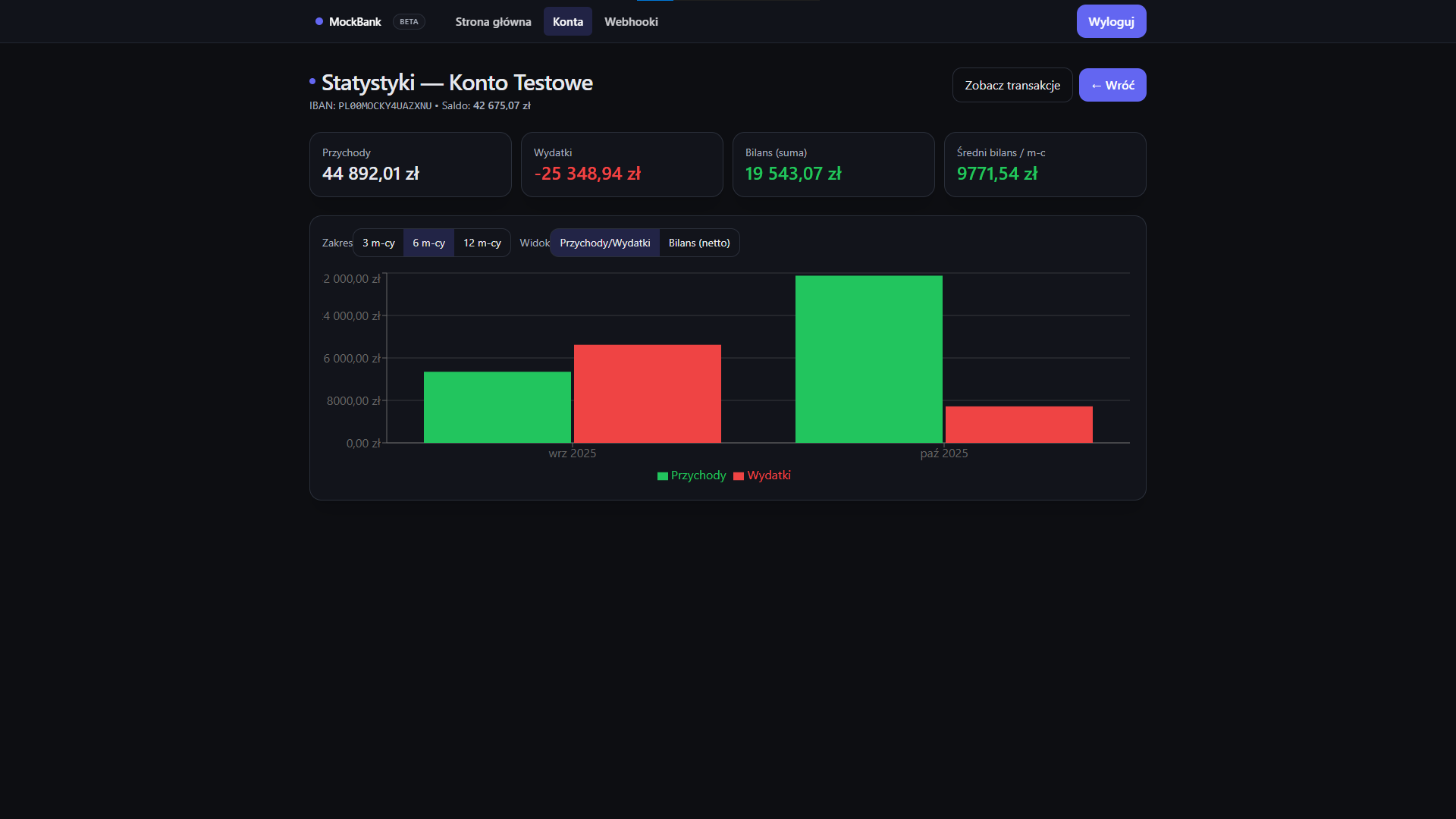
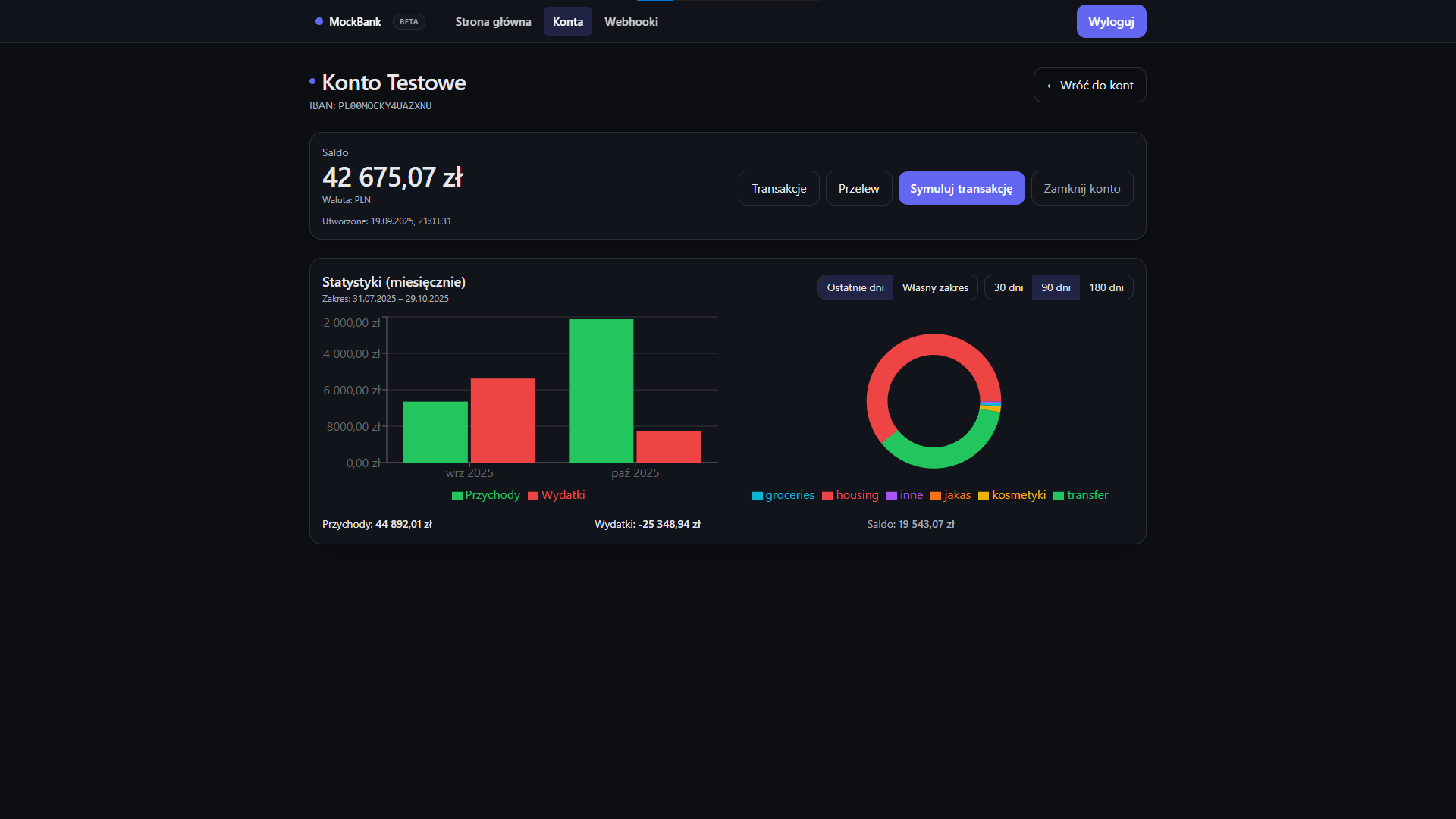
- Statistics — balance, income, expenses and charts for a selected period.
Architecture & UX
The interface was designed with simplicity and performance in mind — lightweight, responsive and developer-friendly for API testing. The codebase maintains a clear separation of concerns and predictable data flow.
- Caching and automatic data refresh after operations.
- Form validation (Zod) and clear error handling.
- Communication layer based on Axios with interceptors and JWT token handling.
- Focus on accessibility — ARIA labels, focus states, keyboard modal navigation.
- Project intended for dev/test environments — ideal for demos and API integration.
Take a look inside the app
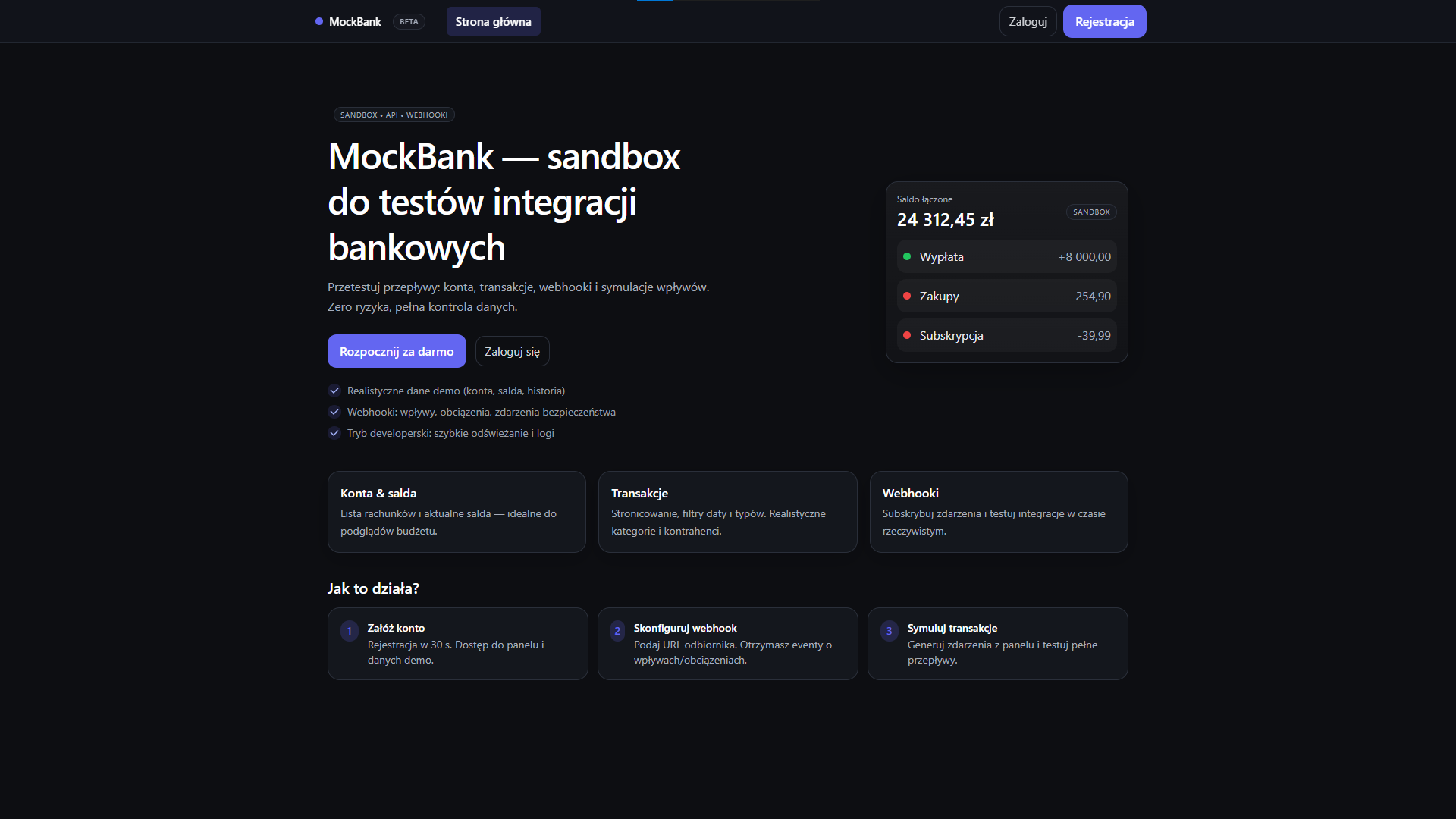
Application home screen
Online demo
The application is hosted on Vercel: moc-bank-front.vercel.app
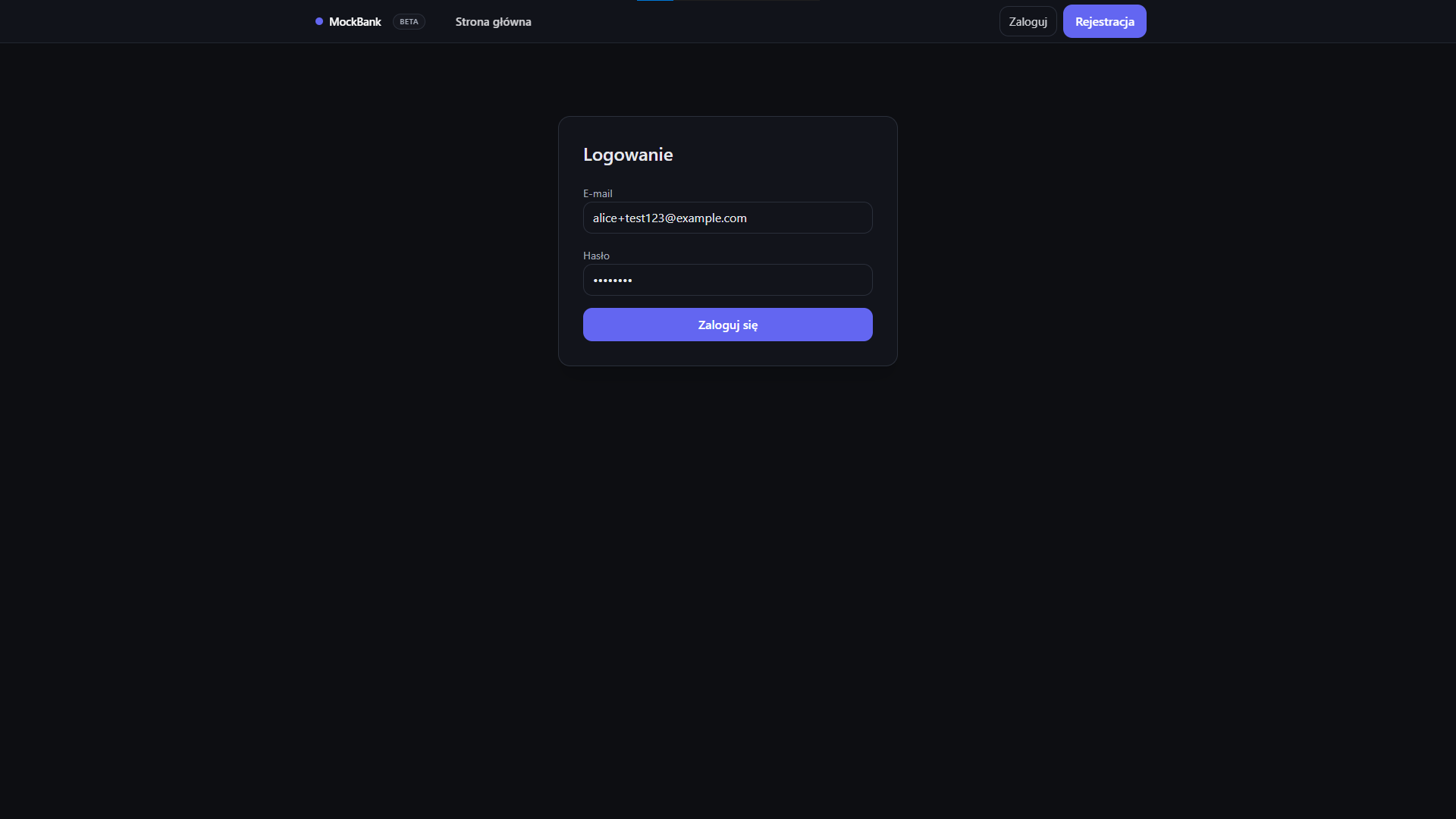
alice+test123@example.com
zaq1@WSX
You can log in to the demo account (with sample data) or create your own test account and try out all features of the application.
Note: the backend (MockBank API) runs on a free hosting plan — after inactivity the service may “wake up”. If the first login returns an error or timeout, wait a moment and try again, or wake the API manually: /healthz.